


Horizon Care
Free app for Android
Technical support from Horizon Engineers, right on your phone
Horizon Care is the free support app for Horizon batteries and inverters. Tell an Engineer in your country what is happening, show them with photos and voice notes, and follow every reply in the app.
- Free, no ads
- No account or password
- In Arabic and English
Chat with a Horizon Engineer
Open a request and an Engineer in your country answers you in the app. A notification tells you when they reply.
Photos and voice notes
Photograph the unit, its screen or the wiring, or record a voice note when typing is hard.
Check your warranty
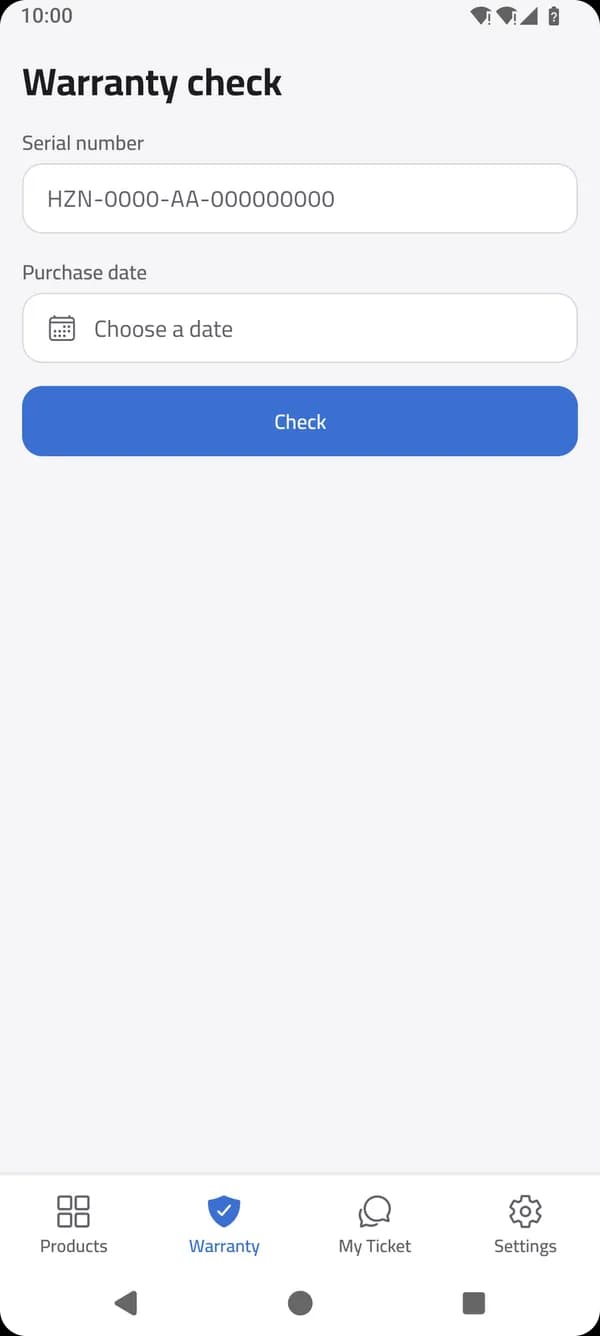
Enter the serial number and purchase date to see your unit's warranty status and download its warranty.
Browse Horizon products
Batteries and inverters with their specifications and catalogs, still there when the connection drops.
Calls with an Engineer
Coming in the next versionTalk it through on a call with the Engineer handling your request.


Inside the app
A look inside Horizon Care
Real screens from the app as it is today.
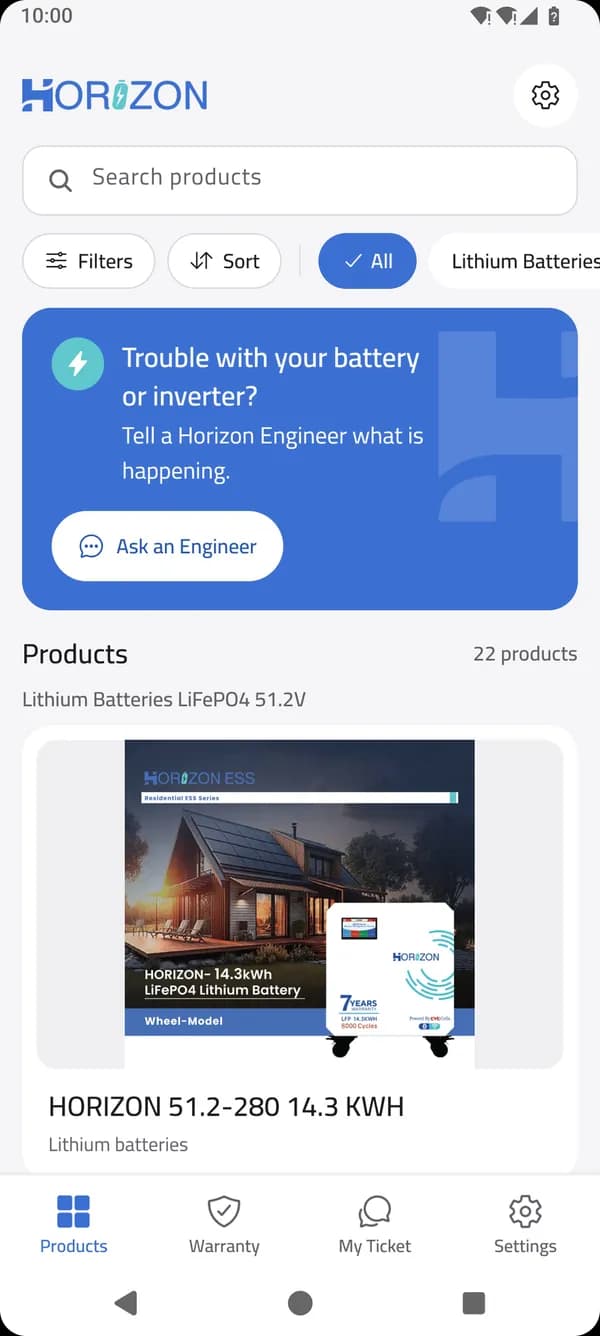
Products
Find your battery or inverter, and ask an Engineer from the top of the list.
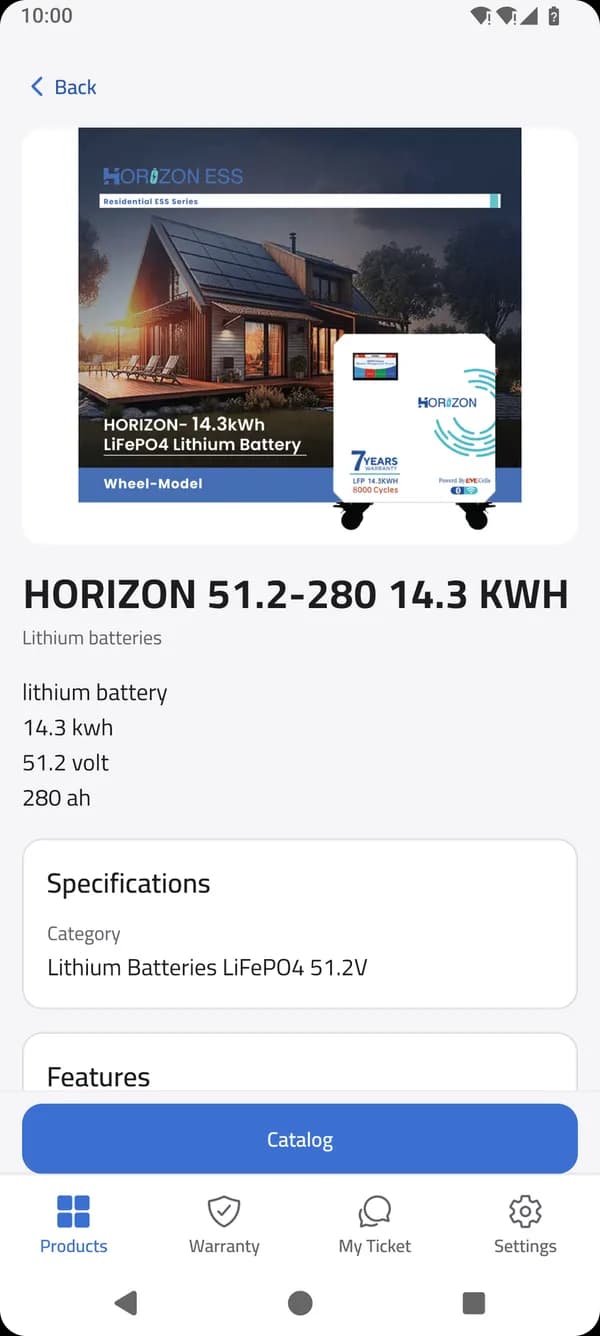
Specifications
Every product's details, with its catalog one tap away.
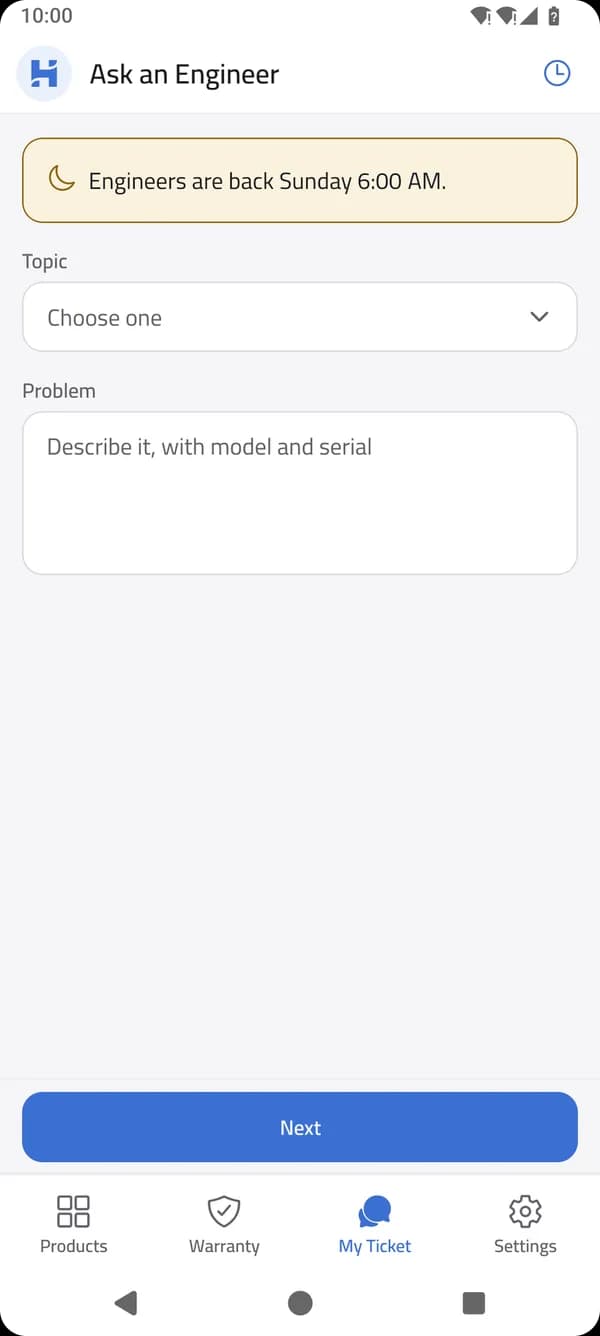
Ask an Engineer
Choose a topic, describe the problem and send it.
Warranty check
The serial number and purchase date are all it takes.
Install
How to install Horizon Care
Horizon Care downloads straight from our website, not from an app store. Installing it takes about a minute.
- 1
Download
Tap Download for Android. Your phone saves the Horizon Care file (APK) in Downloads.
- 2
Open the file
Open it from the download notification, or from the Files app, then Downloads.
- 3
Allow the install
If Android asks, allow your browser to install unknown apps, then go back.
- 4
Install and open
Tap Install, then Open. The app starts in Arabic; for English, go to Settings, then Language.
Android may warn you that the app did not come from Google Play. That is normal for a direct download: choose Install anyway. To update later, install the new version over the old one.
FAQ
Questions about the app
Is Horizon Care free?
Yes. The app is free and has no ads. You do not need an account, a password or an email address.
Which phones can install it?
Android phones running Android 7.0 or newer. There is no iPhone version.
Which countries does it serve?
Horizon Engineers answer requests from Syria, Iraq, Sudan and Lebanon. When you ask for help you give your phone number, and its country code decides which country's Engineers receive your request. Browsing products and checking a warranty work wherever you are.
When do Engineers reply?
During working hours in your country. You can write at any time: the app shows whether Engineers are available or when they are back, and a notification tells you when they reply.
Which languages does the app use?
Arabic and English. The app opens in Arabic, and you can switch to English at any time in Settings, under Language.
How do I update the app?
When a new version is available, the app tells you and links to the download. Install it over the version you have: your conversations and details stay.
Is it safe to install from the website?
Yes. The file comes straight from horizon-battery.com over a secure connection, and its SHA-256 checksum is published under the download button on this page so you can compare it.
What happens to my data?
You can browse products and check a warranty without giving any details. When you ask for help, the app asks for your name and phone number so an Engineer can reach you. You can delete your data at any time in the app, under Settings, then Privacy, then Delete my data.

Help is one download away
Install Horizon Care, and the next time your battery or inverter needs attention, ask a Horizon Engineer.